Video Localization Guide (2026): subtitles vs dubbing vs lip‑sync
A repeatable workflow to ship localized variants without breaking offers, claims, or brand voice. Start with subtitles, upgrade to dubbing, and use lip‑sync only when it truly matters.
Start here: the decision tree
Use this rule set:
- If the video is mostly b‑roll and text overlays → subtitles first
- If the offer is complex or the audience needs clarity → dubbing
- If it’s mostly face‑to‑camera and trust-driven → lip‑sync (only for winners)
For the full pillar guide (tool map + checklists + scaling), see: Video Localization (Pillar).
Workflow 1 — Subtitles (fastest market discovery)
Goal: ship variants quickly and learn which markets respond.
- Export your master video.
- Extract the script + on-screen text.
- Translate (with a glossary and constraints).
- Replace on-screen text and captions in CapCut.
- QA for numbers, claims, and readability.
- Export
9:16and publish.
Good enough is better than perfect at this stage. You’re buying information.
Workflow 2 — Dubbing (upgrade winners)
Goal: increase comprehension and watch time once the creative already performs.
- Lock the translated script (intent + persuasion, not literal).
- Choose voice style and pacing (match the buyer).
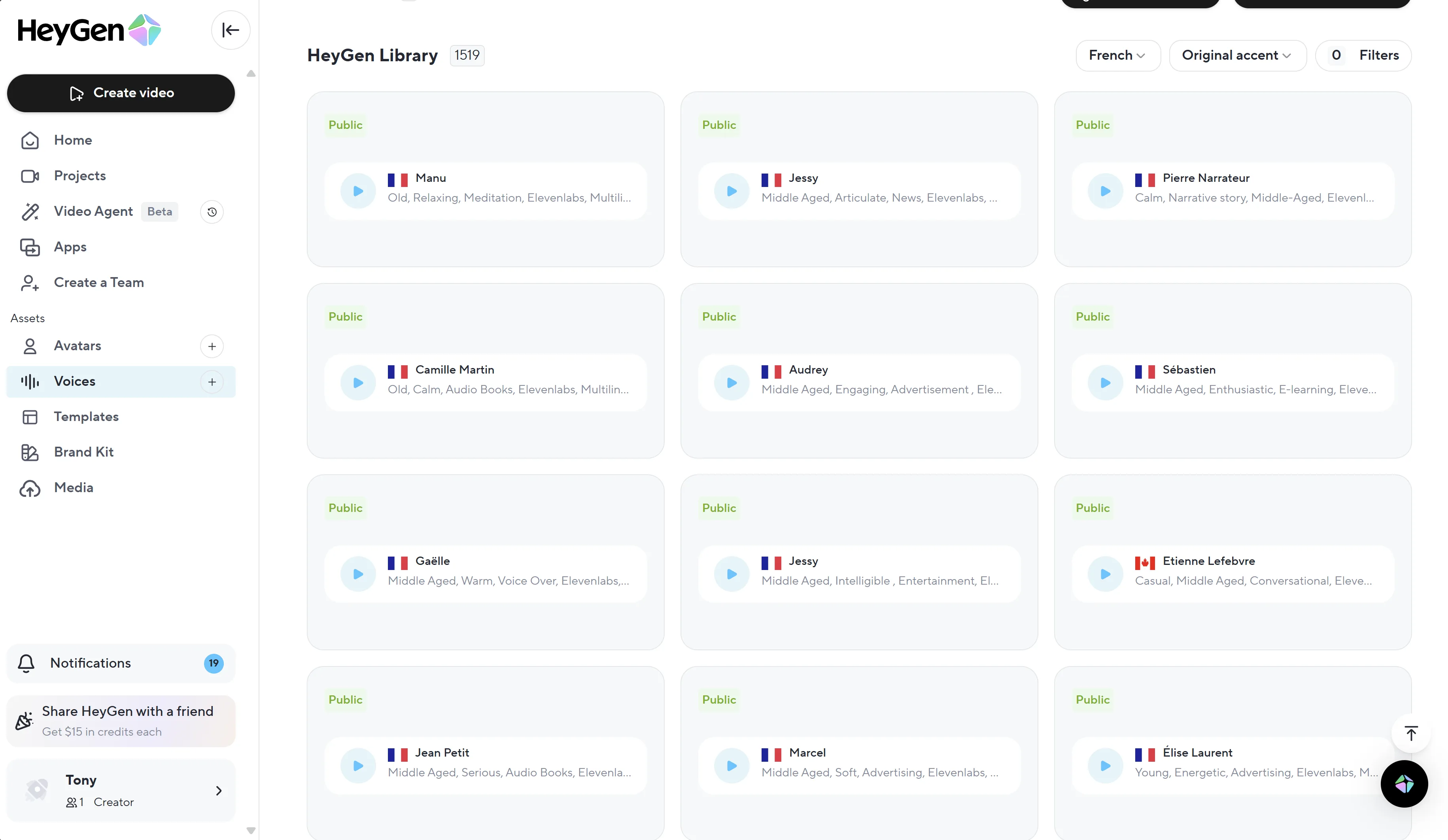
- Generate dubbing with HeyGen or Akool.
- Recheck on-screen text + captions in CapCut.
- QA pronunciation, timing, and claims.
Tip: keep the original pacing as a reference, but allow small changes—languages have different word density.
Workflow 3 — Lip-sync (high impact, higher risk)
Best for: UGC face-to-camera, presenters, founder videos.
- Use a winner creative (don’t lip-sync something unproven).
- Keep the face visible and well-lit (reduces failures).
- Do not ship without a QA review (uncanny errors kill trust fast).
The QA checklist (copy/paste)
Check every localized export:
- Offer matches everywhere (audio, captions, on-screen text, landing page)
- Numbers and units are correct (price, discount, shipping, guarantee)
- Claims are compliant for the category and platform
- Captions match the audio (no contradictions)
- Text is readable on mobile (safe margins, contrast)
- Pronunciation is acceptable (brand names, ingredients, cities)
Tool stack (simple and effective)
- Dubbing / lip-sync: HeyGen, Akool
- Captions + on-screen text: CapCut
- Voiceovers (when allowed): ElevenLabs
- b‑roll variants: Kling
- Automation: Make
Next steps
- Pillar workflow: Video Localization
- Creator stack context: Creator Stack
- Testing system: UGC Ads System
Disclosure: some outbound links are affiliate links.