Make
No‑code automation: connect apps, move data, and run scenarios on schedule or via webhooks.
Disclosure: some outbound links are affiliate links.
What Make is
Make is a visual automation platform. You build scenarios that connect apps and run actions when:
- a trigger happens (new lead, new order, new email, new file)
- a schedule runs (every hour/day)
- a webhook receives data (real-time)
For affiliate and content sites, Make is a practical way to automate the “boring” parts: syncing leads, organizing assets, and pushing updates consistently.
Best for
- Lead capture and routing (forms → CRM → email sequences)
- Content ops (publish checklists, update spreadsheets, push notifications)
- Ecommerce ops (orders → fulfillment → support ticketing)
- Reporting (daily metrics into a dashboard/spreadsheet)
Pricing snapshot (checked April 2026)
Make’s billing scales with credits (each module action typically counts as a credit). As of April 2026, Make’s pricing page lists:
- Free: $0/mo (up to 1,000 credits/mo)
- Core: $9/mo (price shown for 10k credits/mo)
- Pro: $16/mo (price shown for 10k credits/mo)
- Teams: $29/mo (price shown for 10k credits/mo)
- Enterprise: custom
If your workflows are heavy, your real cost is driven by credits per day × scenarios. Measure one week of runs before committing.
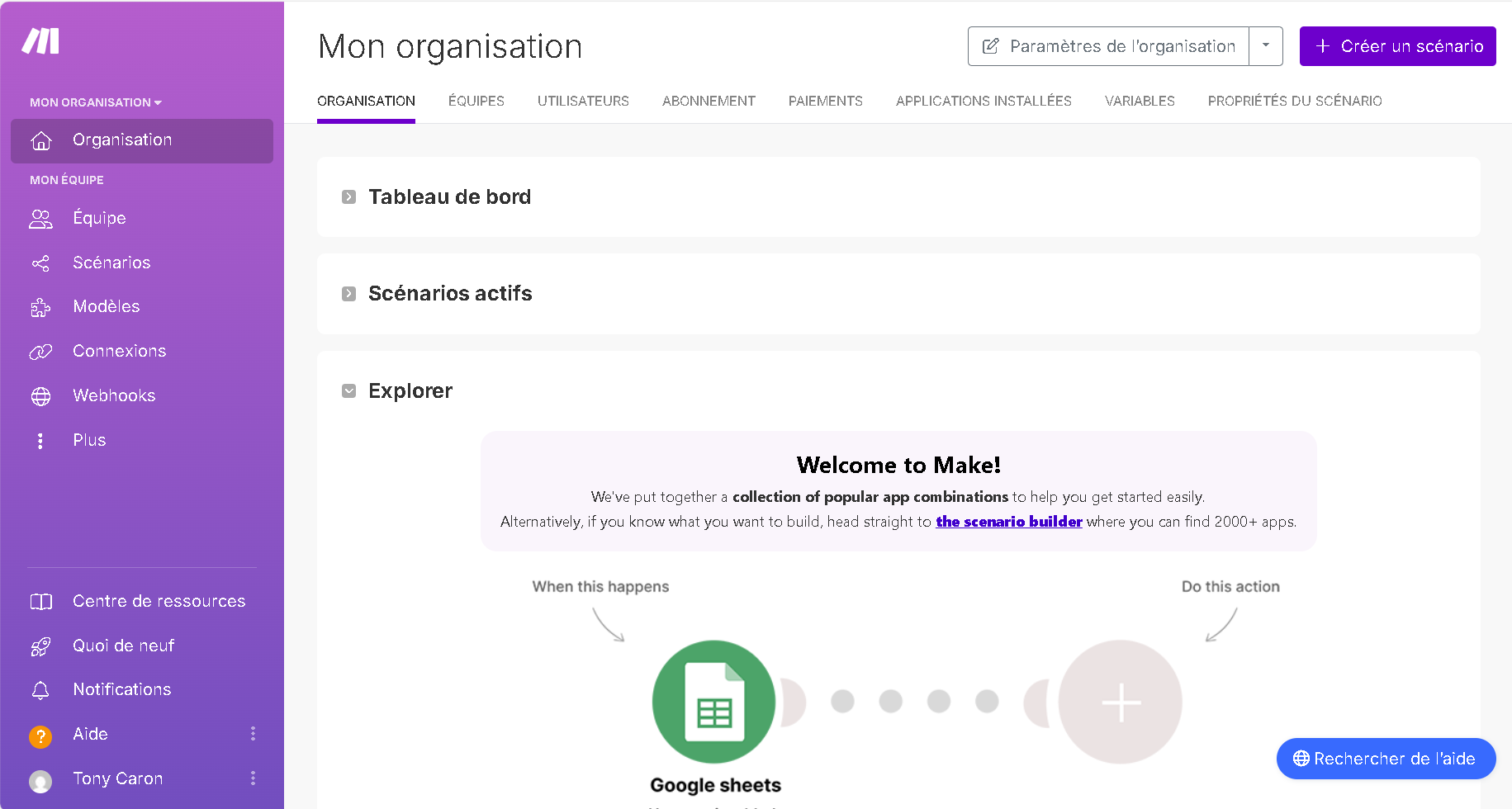
Screenshot
Key concepts (so you don’t get lost)
- Trigger: starts the scenario (schedule, webhook, “new item”)
- Modules: steps (search, transform, create, send)
- Operations: how Make measures usage on paid plans
- Routes: branching logic (“if order > X then…”)
- Error handling: retries, fallbacks, and alerts
A practical starter scenario (creator stack)
Example: “New lead → welcome email → Slack alert → spreadsheet row”
- Trigger: new form submission (or Systeme.io lead).
- Enrich: format name/email, validate required fields.
- Action: send a welcome email (or add to email platform).
- Action: notify your team (Slack/Discord).
- Log: append row to Google Sheets for reporting.
Pros & cons
Pros
- Very flexible for branching and data mapping
- Great for webhooks and real-time workflows
- Scales from simple to complex scenarios
Cons
- Can feel complex if you only need basic automations
- Usage is measured (operations), so you need to monitor heavy flows
- Debugging requires good naming and logs
Complements
- Système.io for funnels and email
- Shopify for ecommerce workflows
Related guides
- Creator Stack (2026) — automate handoffs and versioning.
- UGC Ads System — keep tests clean with naming + logs.
- Video Localization — scale exports and QA across markets.
Related articles
- Creator Stack Workflow Checklist (2026)
- UGC Hooks Playbook (2026): variants, captions, and what to test
Sources (pricing & docs)
- Official pricing: https://www.make.com/en/pricing