CapCut
Edit, caption, and publish social videos fast—great for Shorts/Reels/TikTok workflows.
Disclosure: some outbound links are affiliate links.
What CapCut is
CapCut is a fast, template-friendly video editor. It’s often used to turn raw footage into polished social clips, with captions and quick formatting.
Best for
- Editing Shorts/Reels/TikTok with consistent style
- Caption-first videos (talking head, UGC, tutorials)
- Quick cuts, b‑roll, and hooks testing
- Turning long footage into short clips
Key features (what to look for)
- Captions: accuracy, styling, and readability
- Templates: speed for repeatable formats
- Effects: subtle motion and transitions that don’t distract
- Export: correct aspect ratios and platform presets
Pricing snapshot (checked April 2026)
CapCut offers a free experience and paid subscriptions (often monthly and yearly) for Pro features.
CapCut’s Help Center (Apr 3, 2026) states that CapCut Pro pricing varies by region, device, and promotions. For the most accurate price:
- Log in to CapCut Online / Desktop / Mobile.
- Click Upgrade (or Join CapCut Pro) to view the current subscription options in your country.
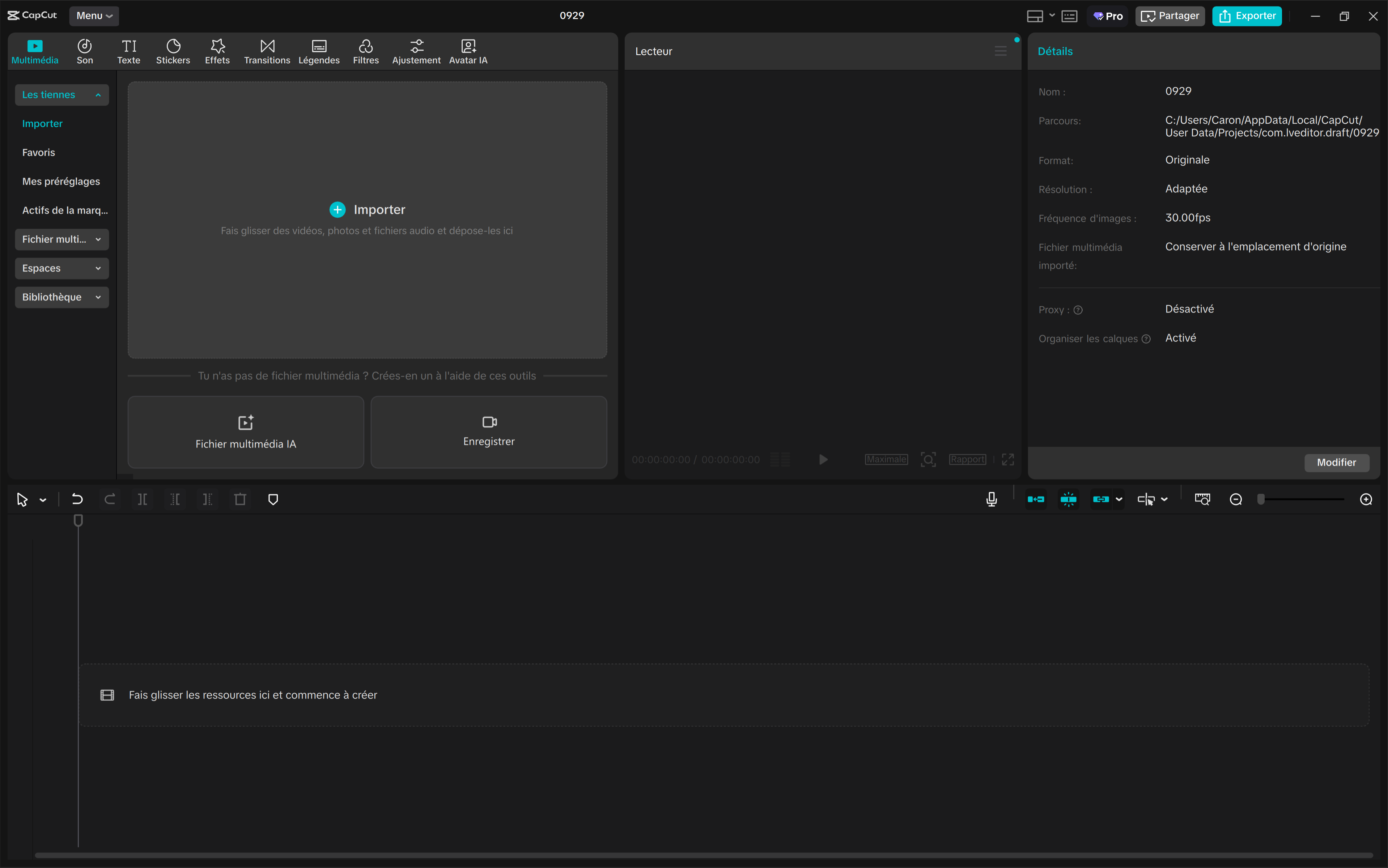
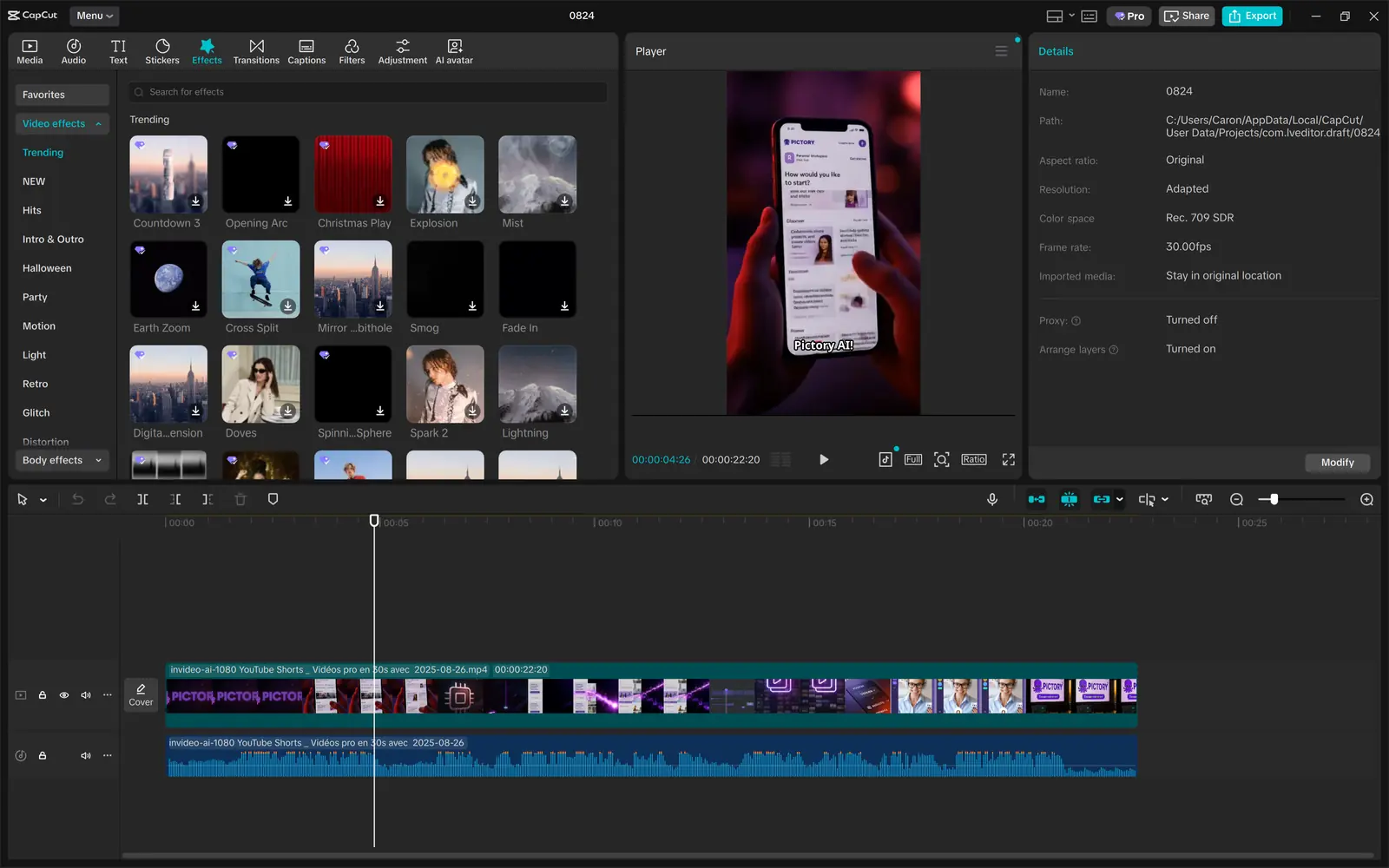
Screenshots

Video demo
Quick start workflow
- Choose the target format (9:16 vs 16:9).
- Cut aggressively (remove pauses).
- Add captions and highlight keywords.
- Add a simple CTA (comment, follow, click).
- Export, publish, analyze retention.
Pros & cons
Pros
- Very fast for social-ready edits
- Captions + templates speed up production
- Good for consistent brand formatting
Cons
- Advanced workflows still benefit from pro editors
- Overusing effects can reduce trust/clarity
- Quality depends on your raw footage and pacing
Alternatives
- InVideo AI if you want templates + AI generation
- Pictory for “script/article → video” repurposing
- ElevenLabs if audio/voiceover is the bottleneck
FAQ
Is CapCut good for captions?
+
Yes. Captions are one of the main reasons creators use it. Always review for errors and readability.
What’s the best workflow for Shorts?
+
Fast hook, aggressive cuts, captions, and a clear payoff. Keep it simple and test variations.
Related guides
- Creator Stack (2026) — where editing and captions fit in the workflow.
- UGC Ads System — hooks, pacing, and testable variants.
- Video Localization — subtitles, dubbing, and QA at scale.
Related articles
- UGC Hooks Playbook (2026): variants, captions, and what to test
- Creator Stack Workflow Checklist (2026)
Sources (pricing & docs)
- CapCut Help Center (pricing guidance): https://www.capcut.com/help/how-much-does-capcut-pro-cost