Make AI video you can stand behind
Kling AI helps you turn ideas into motion with measured control. Iterate calmly, compare variants, and publish with creative confidence—without over‑promising what tools can’t guarantee.
Disclosure: some outbound links are affiliate links. Trademarks belong to their respective owners.
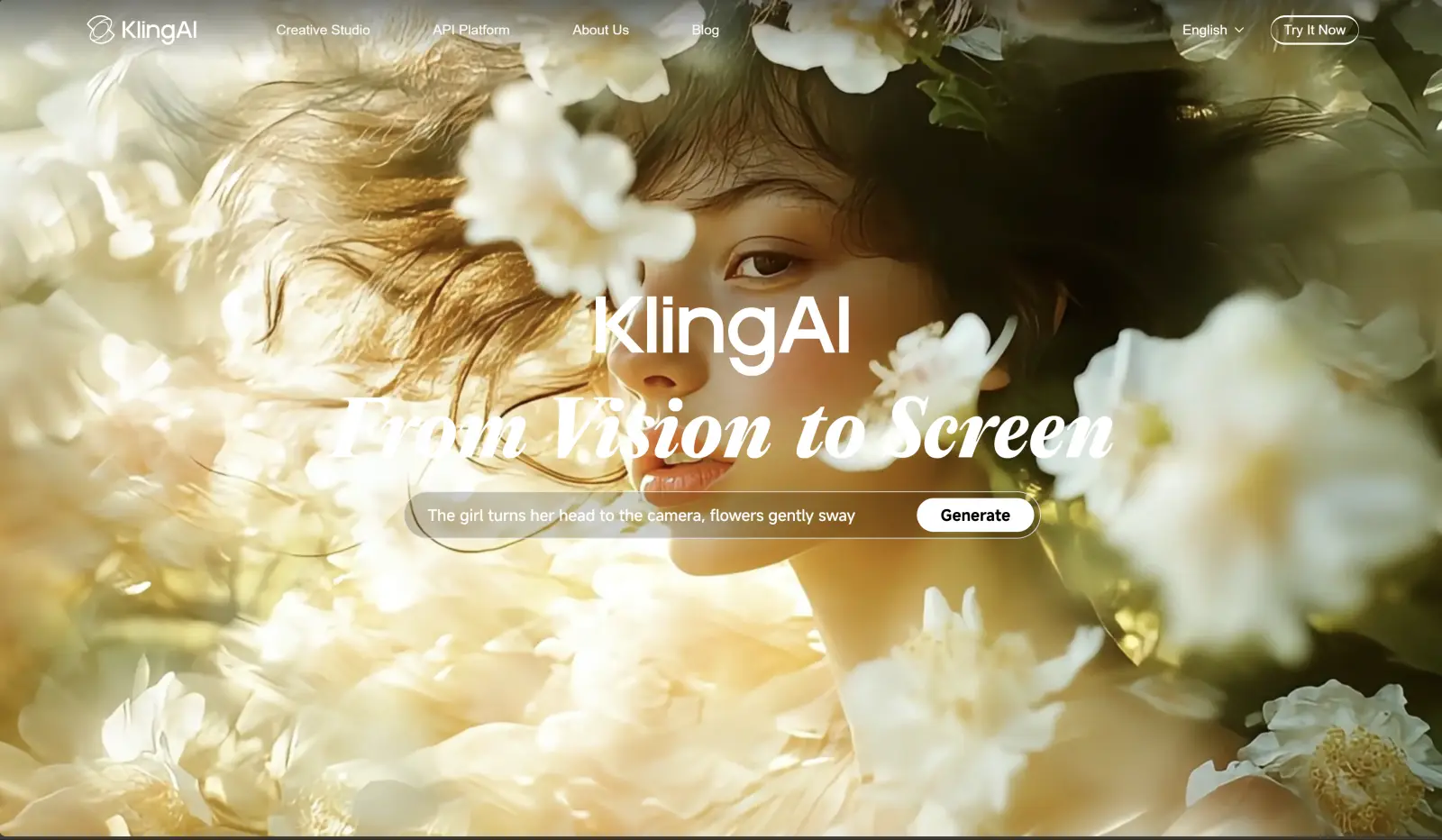
A quick walkthrough
Neutral overview. Features and limits evolve—always check the live interface.
Why creators pick Kling
A practical shortlist of what tends to matter in production: motion stability, iteration speed, and usable exports.
Shot-level control
Describe subject, action, camera move, and lighting, then iterate with small changes instead of rewriting everything.
Fast iteration
Batch variations, compare outputs, and keep the best takes for edit—this is how you move from “demo” to “publishable”.
Stack-friendly
Pair Kling with editing, captions, and voice tools to ship consistent short-form content at scale.
Use cases that convert
If you can describe the outcome and the audience, you can usually get a usable first cut.
E-commerce vertical ads
Hook → proof → demo → CTA. Short shots, clear captions, and A/B test endings.
Product b‑roll concepts
Generate 2–4 second inserts to support a narrative, then stitch in your editor.
Creative experimentation
Try style directions and camera language quickly before you commit to a full production.
Localization workflows
Generate visuals, then translate voice/captions with a dedicated tool to keep tone consistent.
Next steps
See all tools
Editors, captions, voice, avatars—build a stack that matches your output goals.
Stay responsible
Check platform policies, avoid sensitive claims, and keep your sources/licensing clean.