HeyGen and Kling: The AI Video Avatar Revolution
AI-assisted video creation has reached a milestone: teams can produce presenter-style videos with ultra-realistic avatars—fast, localized, and consistent. Let’s break down the tech, the real use cases, and the responsible guardrails you should put in place.
The context: synthetic video becomes practical
Video is the highest-leverage format for education and conversion—but traditional production is slow and expensive. AI doesn’t replace strategy or taste, yet it can remove the heavy lifting: first drafts, localization, variations, and repeatable presenter formats.
The biggest leap in the last wave is the avatar layer: instead of animating a still image, modern systems can generate a presenter that speaks, lip-syncs, and stays visually consistent across a series.
HeyGen: the “studio layer” for avatar videos
HeyGen is designed to turn a script into a presenter-style video quickly. Typical components include:
- Avatar library (and creation of custom avatars in supported workflows)
- Voice options (including cloning in some setups)
- Multi-language generation / translation flows (features vary by plan and region)
- Studio editor to assemble scenes, overlays, and branding elements
If your goal is onboarding, training, product explainers, or announcements, that “script → presenter video” pipeline can be more reliable than raw text-to-video.
Under the hood: where engines like Kling fit
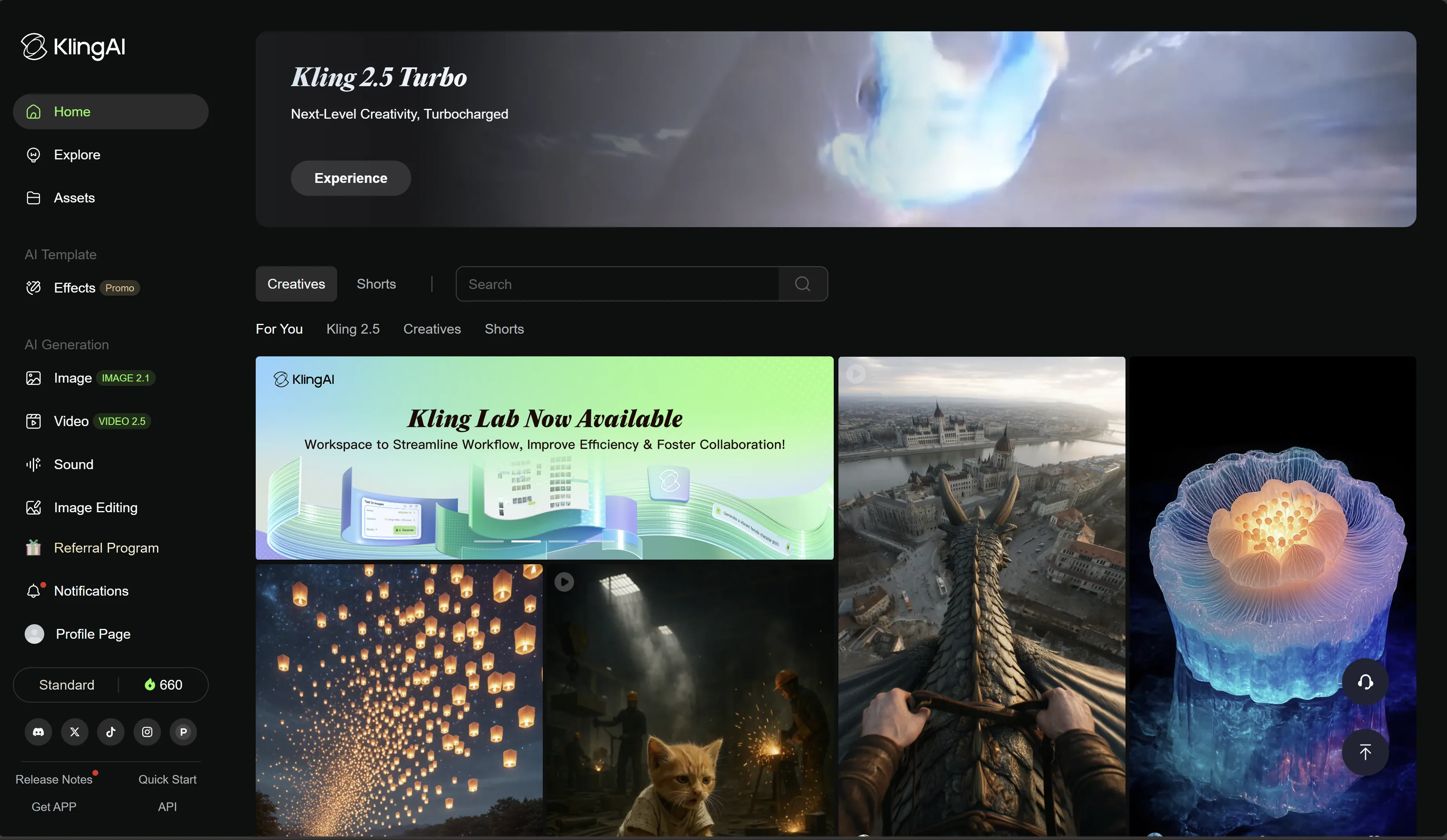
Avatar platforms often rely on foundational video generation models for motion realism and frame consistency. Kling (from Kuaishou’s video research) is well-known in the ecosystem for:
- Higher perceived motion coherence (when prompts and inputs are clean)
- Strong results on camera movement descriptions
- Better stability when you seed from stills (photoreal-first approach)
In practice, you can think of the stack as layers: a base model for motion/video generation, then an app layer that specializes it for avatars, lip-sync, and studio editing.
Practical use cases (where avatars actually help)
1) Training & e-learning
Avatar videos are effective when you need consistent delivery across many modules, and fast updates when policies or product details change.
2) Marketing & product messaging
Use avatars for clear, repeatable messaging—then combine with generated b‑roll from Kling to make the visuals feel less “template”.
3) Internal comms & HR
Announcements, onboarding sequences, and multilingual updates benefit from speed and localization.
4) Creator workflows
Creators use avatars for “talking head” segments (intros/outros), while keeping the main content in real footage or stylized generated shots.
Responsible guardrails (don’t skip this)
Avatar video can be abused for impersonation and misinformation. A safe baseline:
- Use avatars with explicit consent (especially custom avatar creation).
- Avoid sensitive claims and deceptive contexts (health, finance, politics).
- Add disclosure when required (“AI-generated presenter”).
- Keep a review step before publishing (brand safety + policy compliance).
A practical workflow: HeyGen + Kling
- Write a script with clear sections and one idea per scene.
- Produce the presenter segment in HeyGen.
- Generate complementary b‑roll in Kling (short shots, multiple variants).
- Edit and caption for pacing (see CapCut).
- Localize voice/captions only after your visual cut is locked.